
What Laptop Specs Do You Need for Cybersecurity? (2026 Complete Guide)
Imagine you are mid-penetration test. You are running a Kali instance, a Windows target, and a local AI engine for log analysis. You find the exploit, hit “Execute,” and—your system freezes. In cybersecurity, that is not just an inconvenience; it is a failed engagement.
Choosing a laptop in 2026 is about building a portable lab capable of handling heavy virtualization, AI-driven analysis, and enterprise-grade security. Here is your 10/10 field manual.
1. Processor (CPU): The “Panther Lake” Era
In 2026, the CPU must handle parallel virtualization and high-speed encryption simultaneously.
- Core Count: 8 cores is the new baseline. For professionals, 10–16 cores (like the Intel Core Ultra Series 3 “Panther Lake” or AMD Ryzen AI 300) are necessary to “pin” dedicated physical cores to your VMs without lagging your host OS.
- The NPU (Neural Processing Unit): Modern chips now deliver a massive 45–50+ TOPS (Trillion Operations Per Second).
- The 2026 Use Case: We now use local LLMs for real-time malware sandboxing and behavior-based anomaly detection. A strong NPU keeps this traffic private and off your main CPU cores.

2. RAM: The “Hard” 16GB Minimum
Memory is the #1 bottleneck. When it runs out, your system “swaps” to the SSD, and your workflow crawls.
- 32GB (The Professional Standard): The sweet spot for running a Domain Controller, a Kali instance, and a SIEM (like Splunk) all at once.
- 64GB+ (Forensics/Red Team): Mandatory for memory dump analysis or massive “Active Directory” lab simulations.
⚠️ Buyer’s Warning: Many 2026 ultra-portables use soldered RAM. You cannot upgrade it later. Always verify if the RAM is expandable (SODIMM or the new CAMM2 standard) before purchasing.
3. Connectivity & Speed: Wi-Fi 7 and Thunderbolt 5
In 2026, network speed isn’t just about downloading; it’s about packet capture integrity.
- Wi-Fi 7 (802.11be): Essential for wireless auditing. It supports Multi-Link Operation (MLO), which keeps your connection stable even during high-interference deauth attacks.
- Thunderbolt 5: Delivering 120Gbps bandwidth, this is a game-changer for forensics. You can clone a 1TB compromised NVMe drive in roughly two minutes.
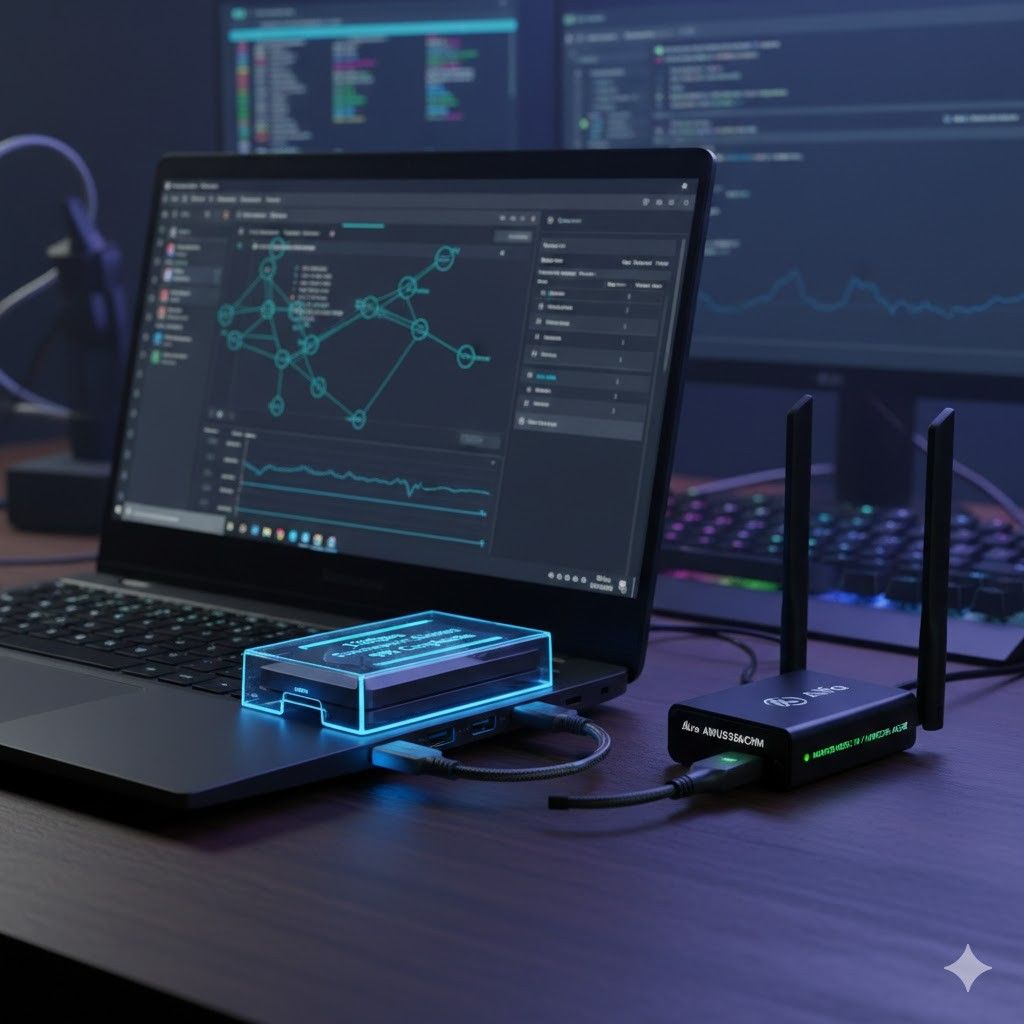
- The Wi-Fi Chipset Tip: Internal cards often lack Monitor Mode support. Always keep an external Alfa AWUS036ACHM in your bag for reliable packet injection in Kali.
4. Top Laptop Models for 2026
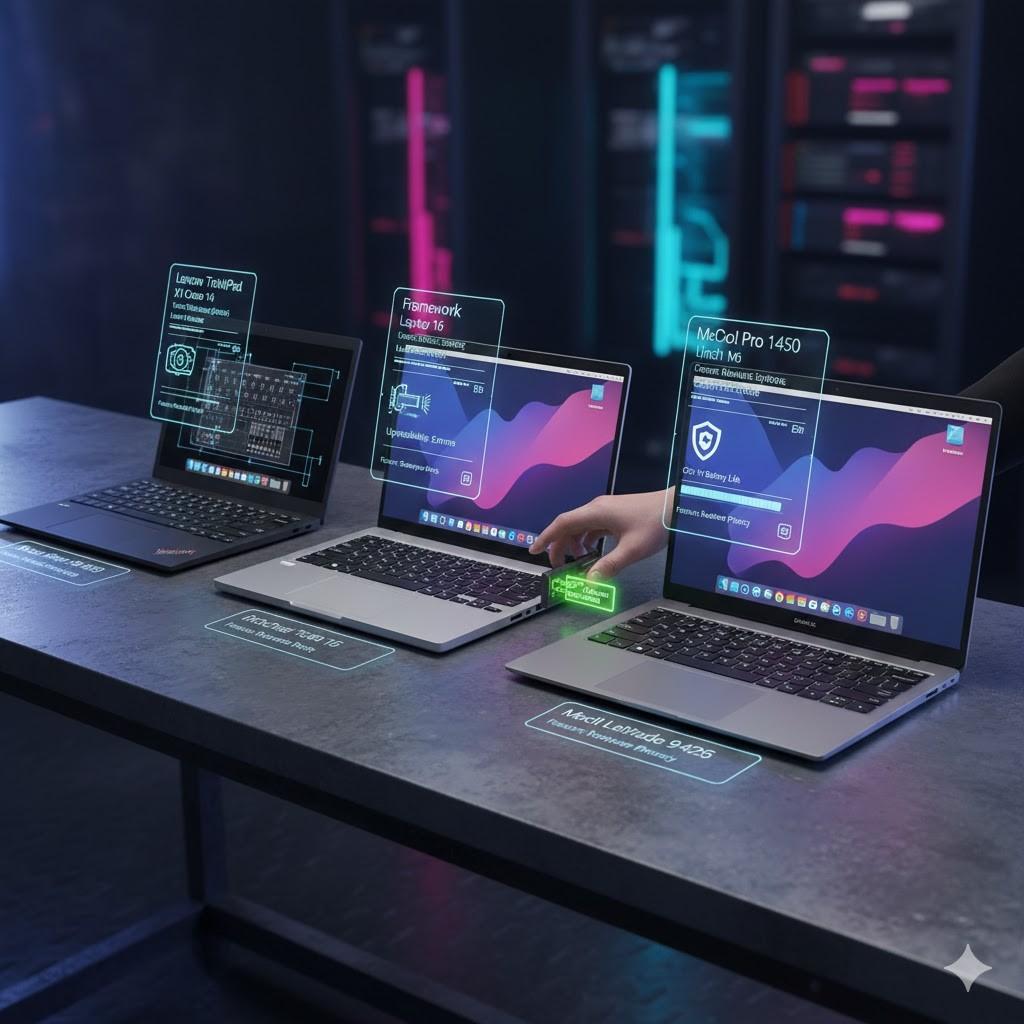
The Gold Standard: Lenovo ThinkPad X1 Carbon (Gen 14)
- The “Space Frame”: The 2026 model allows you to swap the keyboard, battery, and ports in minutes with zero special tools.
- Why: Best-in-class Linux driver support and a 16:10 aspect ratio display that shows more lines of logs than standard widescreen laptops.
The Hacker’s Choice: Framework Laptop 16
- Why: Total modularity. You can physically swap a USB-C port for a native RJ45 Ethernet port (essential for physical pentests) or an HDMI port in seconds.
The Mobile Powerhouse: MacBook Pro 14″ (M5)
- Why: The M5 chip offers 22+ hours of battery life. It is the king of SOC analysis and Blue Team monitoring, though Red Teamers should be wary of ARM-based nested virtualization bugs.
5. Frequently Asked Questions (FAQ)
Q: Is a gaming laptop better than a business laptop?
A: Gaming laptops (ASUS ROG, Razer) have raw power and GPUs for password cracking. However, business laptops (ThinkPad, Latitude) have self-healing BIOS, physical security shutters, and far superior Linux stability.
Q: Do I really need a dedicated GPU (NVIDIA RTX)?
A: Only if you focus on Hashcat (password cracking) or training custom ML models. Otherwise, modern integrated graphics (Intel Arc/AMD Radeon) are more than enough.
Q: Why do you emphasize a 16:10 aspect ratio?
A: Cybersecurity is reading-intensive. A “tall” 16:10 screen shows roughly 15% more lines of code or terminal logs, reducing scrolling fatigue during long investigations.
Q: Is 512GB SSD enough?
A: No. A single Windows Server VM can hit 80GB. Between your OS, 3–4 VMs, and snapshots, 1TB is the standard for 2026.
🏁 The 2026 “Pro” Checklist
Before you buy, verify these final “Expert” details:
- [ ] Display: 16:10 or 3:2 aspect ratio (vertical space for logs).
- [ ] Brightness: At least 400 nits (to work in bright “on-site” environments).
- [ ] Webcam: Physical shutter (Electronic kill-switches can be bypassed; plastic cannot).
- [ ] Biometrics: Match-on-chip fingerprint reader (isolates biometric data from the OS).
Summary Recommendation: For most professionals in 2026, the “Sweet Spot” is an Intel Core Ultra 7, 32GB RAM, 1TB NVMe Gen5 SSD, and Wi-Fi 7.